Skip to main content
OPT-IT运维文档网站
View All
Search
Shelves
Books
Log in
Info
Content
Books
OA运维问题
如何设置M3的提醒时间段
如何设置M3的提醒时间段
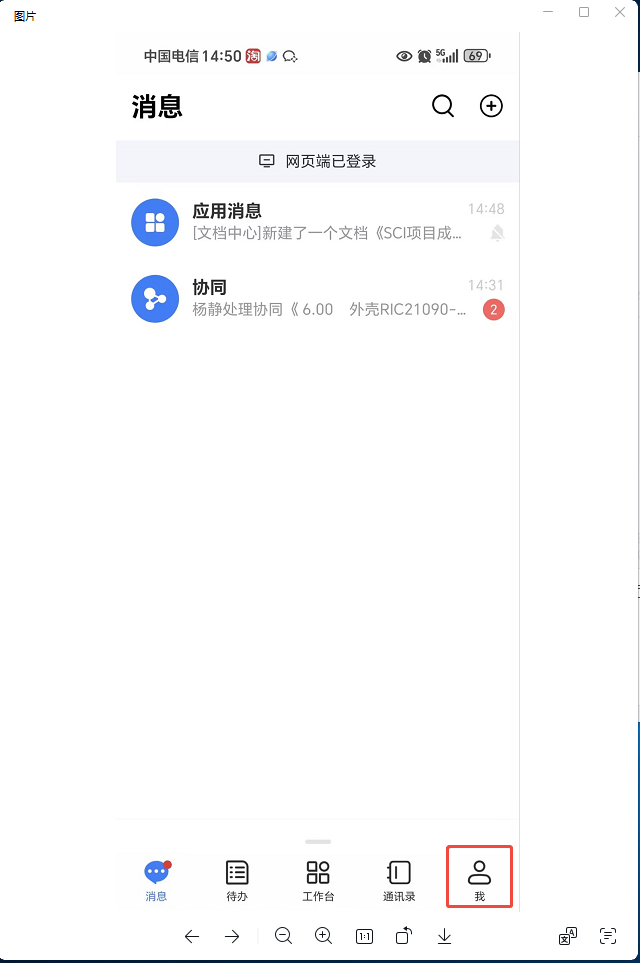
一、进入M3点击右下角:“我”
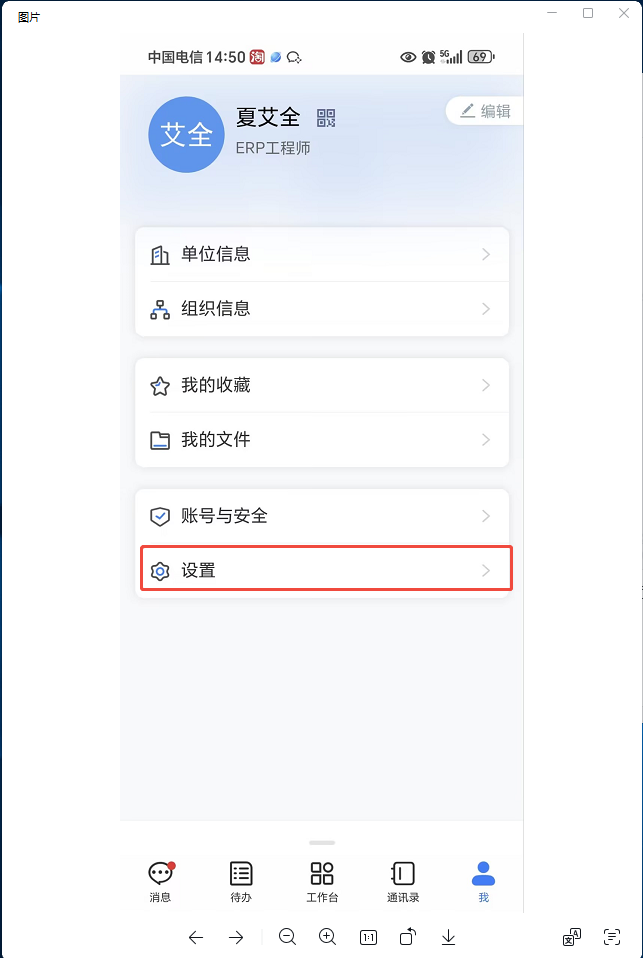
点击设置
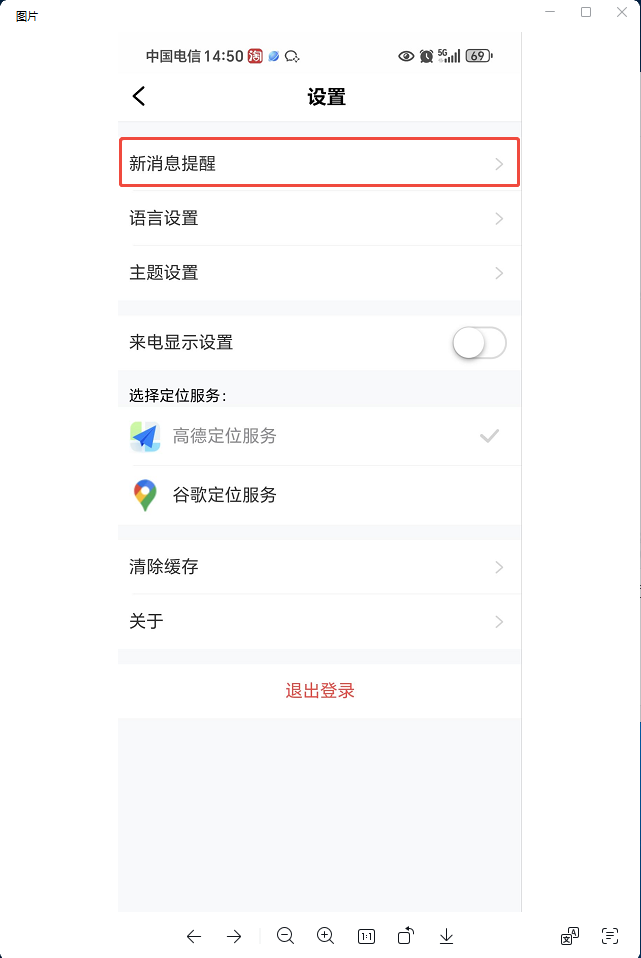
点击新消息提醒
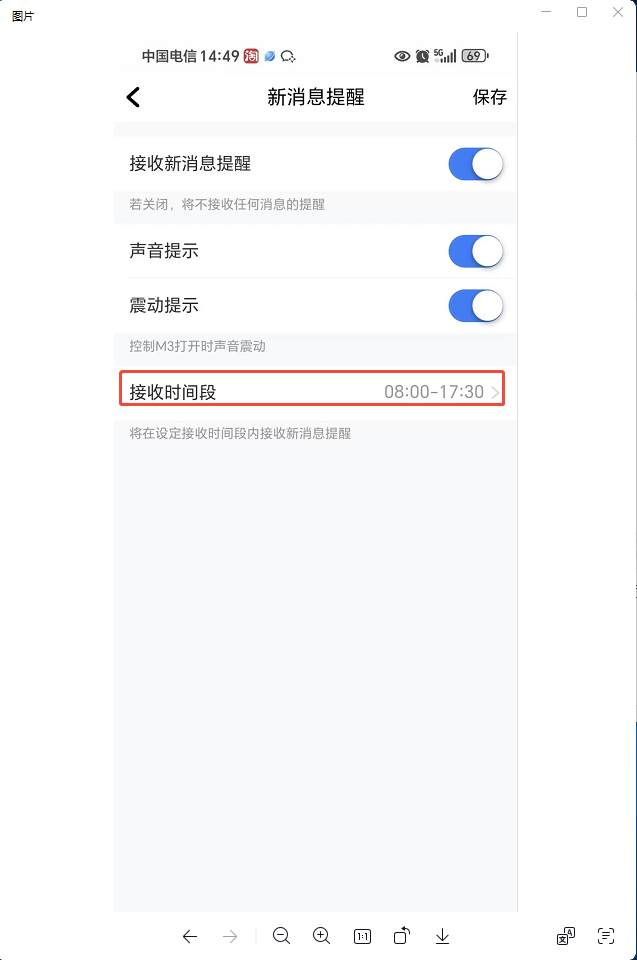
点击接收时间段(设置为工作时间)
Enter section select mode
Previous
发单时选不到客户地址怎么办
Next
查询商机
Back to top